Every invoice matched before it's paid.
Invoices are captured on arrival, matched against the purchase order and the receipt, and queued with the checks already run. Your AP team signs the check. Revalgo does everything that comes before it.



How Revalgo runs your payables.
Capture
Invoices arrive the way they already do, into your AP mailbox or uploaded directly.
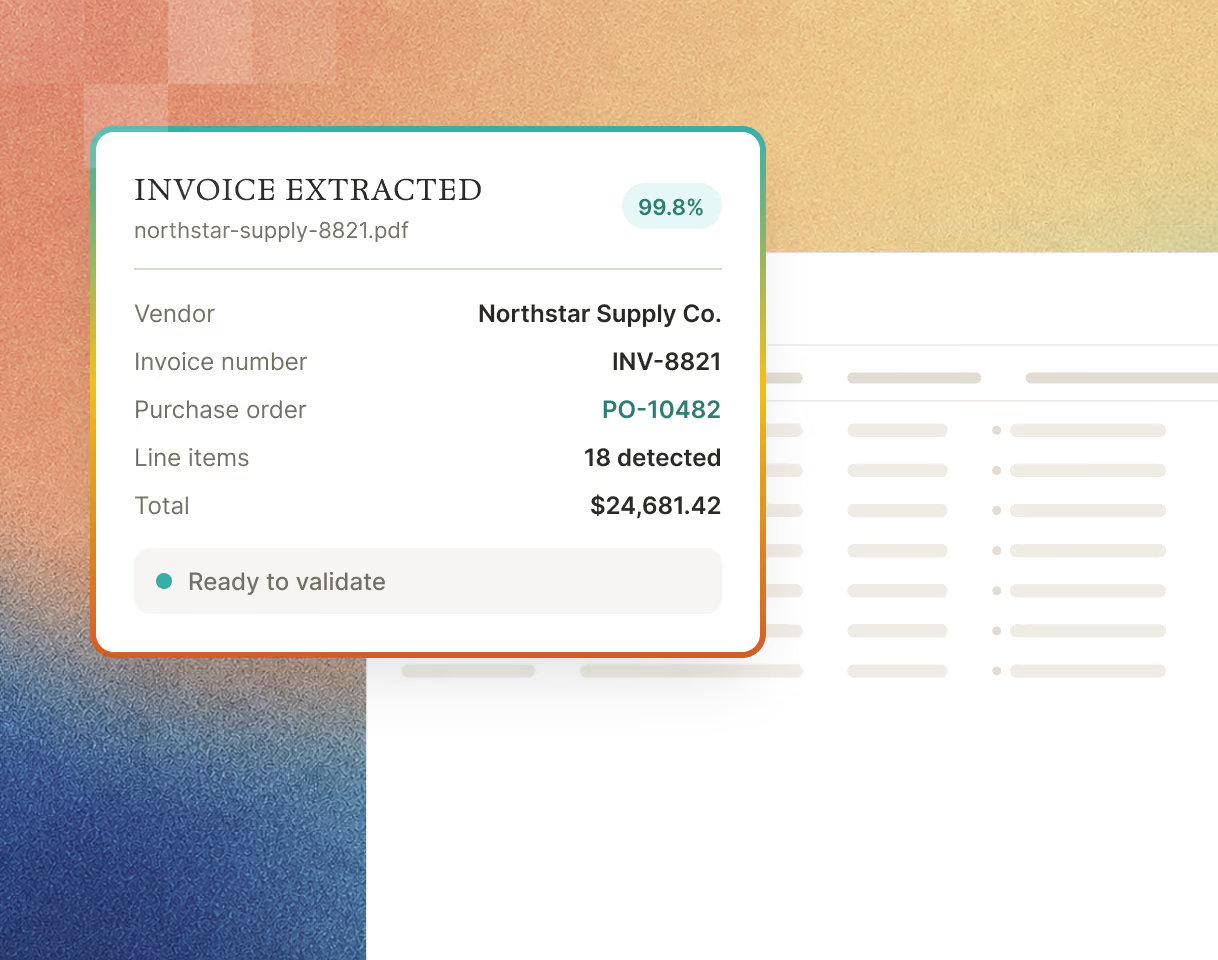
AI extracts the vendor, invoice number, purchase order number, line items, quantities, pricing, and totals, ready to validate.
Extraction can be tuned per vendor, so a supplier's formatting quirks get handled once instead of every time.
Match
Revalgo pulls the purchase order and the goods received record from your ERP and runs a three way match against the invoice, line by line, down to the cent.

Check
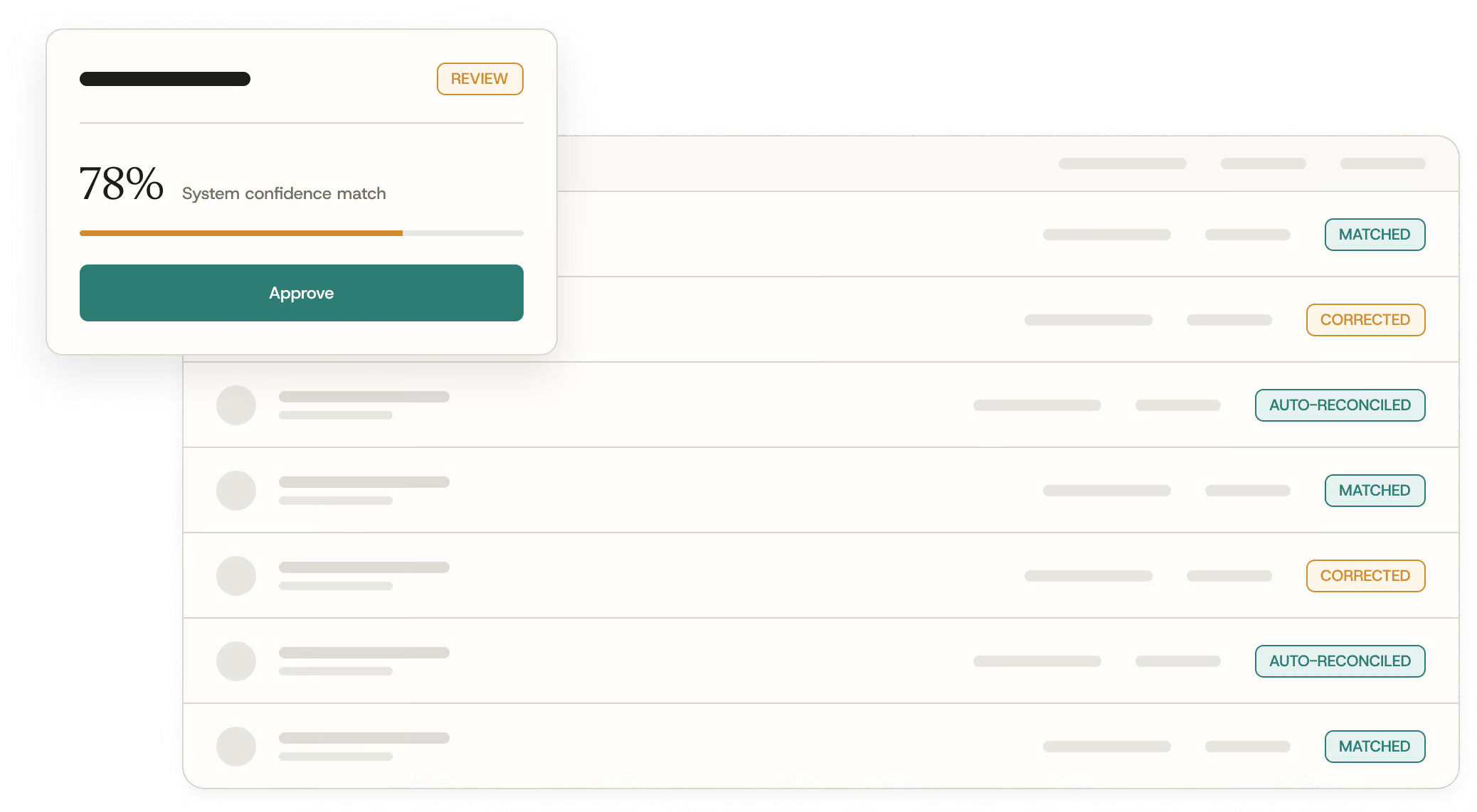
Pre approval checks run automatically. Duplicate detection, price and quantity variances, partial shipments and back orders, holds, missing receipts. Clean invoices move forward on their own. Anything off is flagged in plain sight, and accepting a variance is a conscious decision, not a click through.
.avif)
Approve
Your rules decide who approves what, by amount, vendor, or invoice type, with as many approval levels as you need. The approver reviews, sets the final amount, and signs off. Your ERP stays the system of record.

What you get.
.svg)
Invoice capture from your AP mailbox or by direct upload
.png)
AI extraction of headers and line items, tunable per vendor
.png)
Three way match: invoice, purchase order, and receipt, pulled from your ERP
.png)
Exception handling: duplicate detection, price variance down to the cent, partial shipments and back orders
.png)
Non-PO invoices supported for rent, utilities, and subscriptions, with GL coding that learns from your corrections
.png)
Business rules with priorities and effective dates: escalate, flag, or reject on your conditions
.png)
Approval policies by amount, vendor, invoice type, role, or named approver
.png)
Shared or personal work queues with record locking, so two people never work the same invoice
.png)
Comments, mentions, and notifications on any invoice or line item
.png)
Dashboard: status distribution, exception summary, vendor health, and what is due or overdue
.png)
AI insights refreshed daily, surfacing bottlenecks and patterns without reading raw reports
.png)
Full audit log on every invoice, edit, and approval
Cash discount tracking, with check runs scheduled to capture early-payment terms before they expire
.png)


.svg)
Built for distribution. Designed for the way AP actually works.
Your ERP stays the system of record and the ledger.
Revalgo automates the process in front of it and does not replace it.
email, PDF, EDI
Trained on your data alone, not the industry's.
Your vendor terms never become a competitor's advantage.
SOC 2
Common questions.
.png)
Explore the platform
.avif)
.avif)
.avif)
.avif)